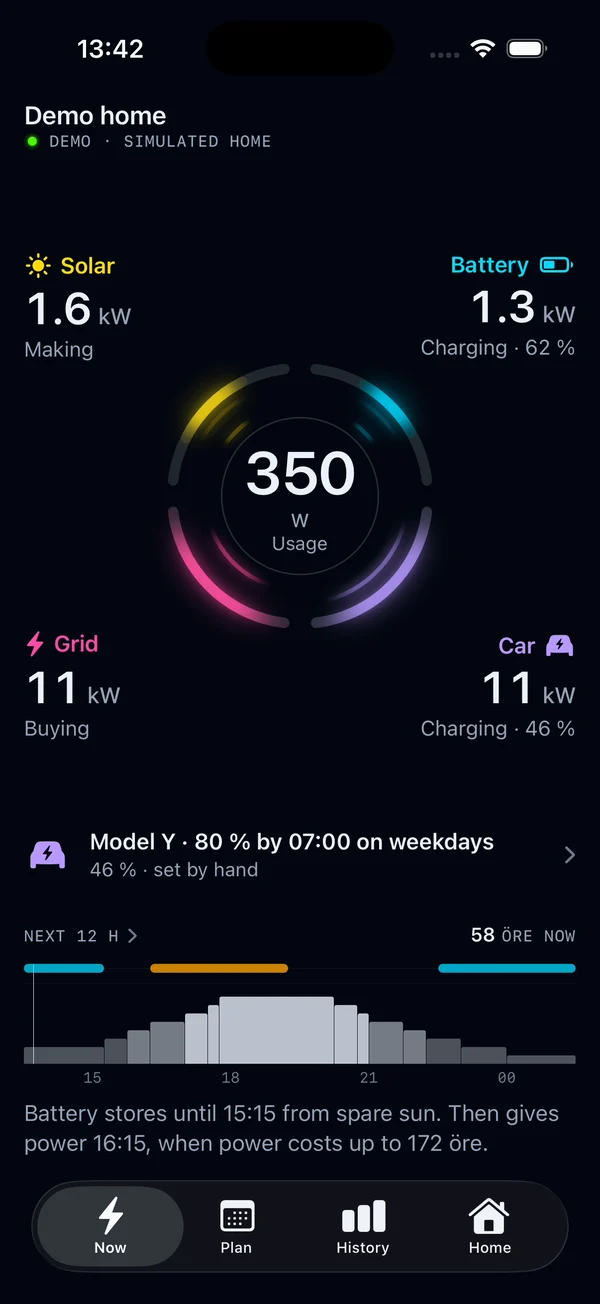
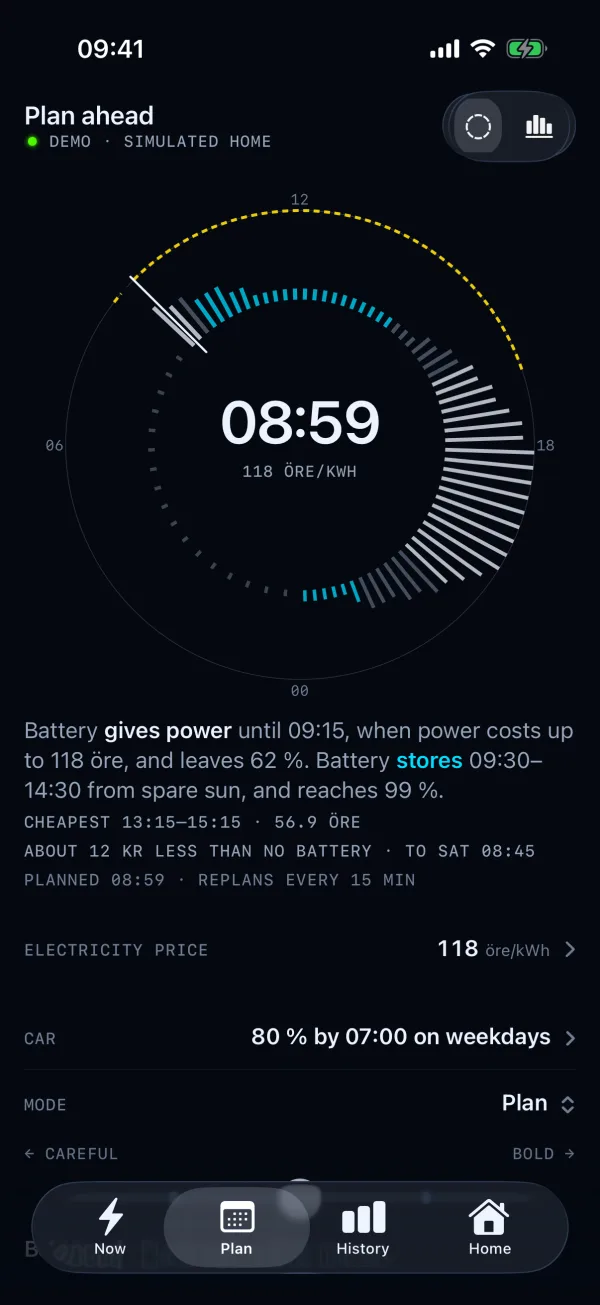
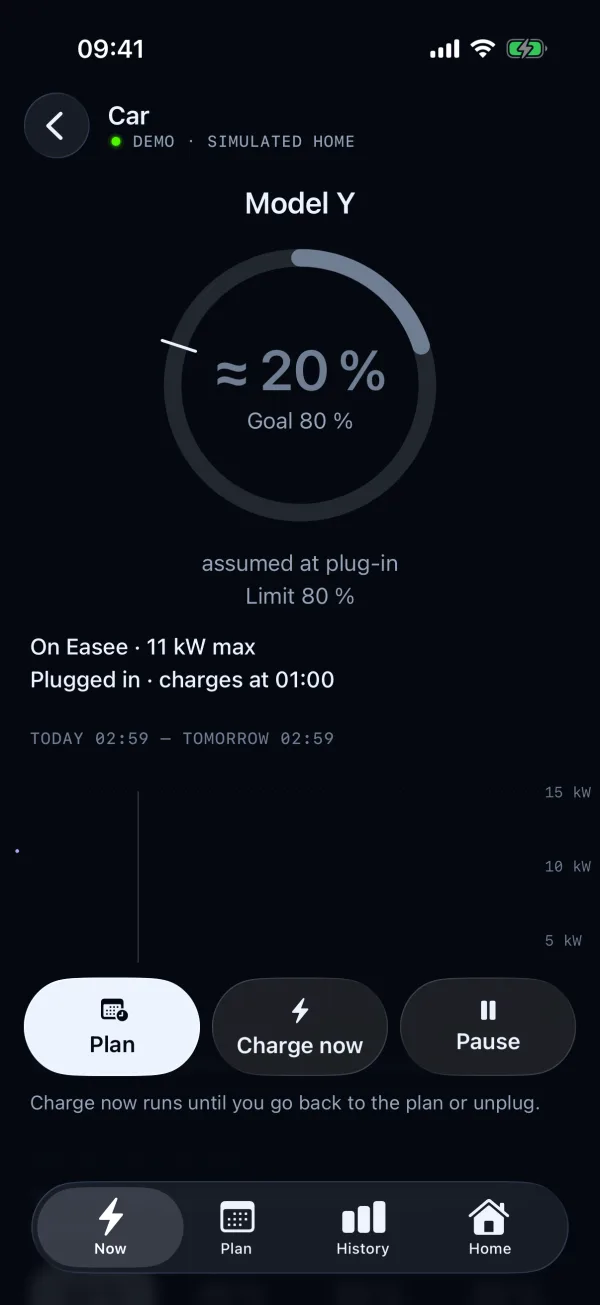
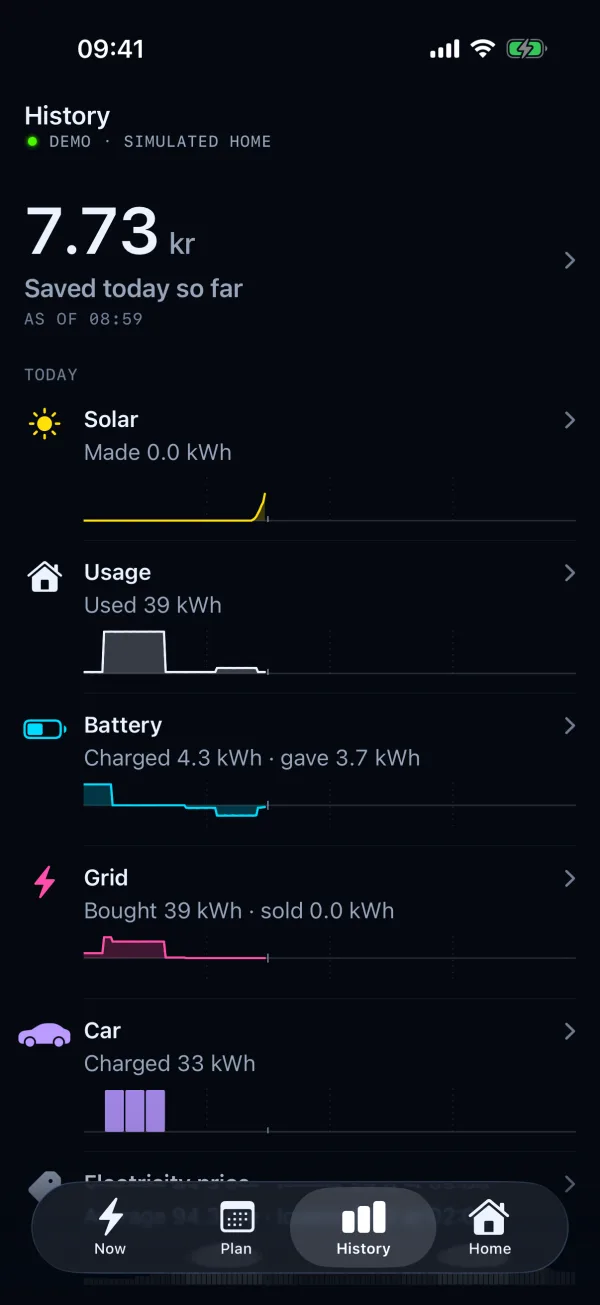
See what is happening.
Live power, stored energy and device health. Fresh readings, estimates and missing data stay distinct.
FTW · Public beta
A fast, local core for your home's energy. FTW brings solar, batteries and car charging together. Use it from your iPhone, the web, Home Assistant or an AI assistant.
Have an iPhone? Join the iOS beta on TestFlight
01 / The energy core
Your meter, solar, battery and charger each report their own readings. FTW reads them together, plans ahead and controls on the equipment's own network. The core runs on your hardware and keeps working when an app or assistant disconnects.
Live power, stored energy and device health. Fresh readings, estimates and missing data stay distinct.
Energyplan combines prices, solar, household forecasts and charging needs into one local plan.
Core checks commands against site and equipment limits, then checks the readings for the response.
02 / An energy primitive for AI
Ask why the battery is charging. Understand tonight's plan. Get help connecting your equipment. FTW gives an authorized assistant the context to answer.
The FTW plugin brings that access to ChatGPT. MCP gives agents a structured way to work with the core. You choose who gets access and can revoke it. Core checks every request and keeps control at home.
Explore FTW for ChatGPTChatGPT plugin preview · Public directory listing pending
A FEW THINGS TO ASK
State, history, goals and plans through APIs and MCP. Connect your own agent or automation, with scoped access and Core's validation.
Agent-led setup and access03 / Built to feel immediate
The apps show saved readings straight away, then catch up with the box. Every reading keeps its age. Watch the flow, change a charging goal and see what FTW does next.
FTW FOR iPHONE · iOS 26+
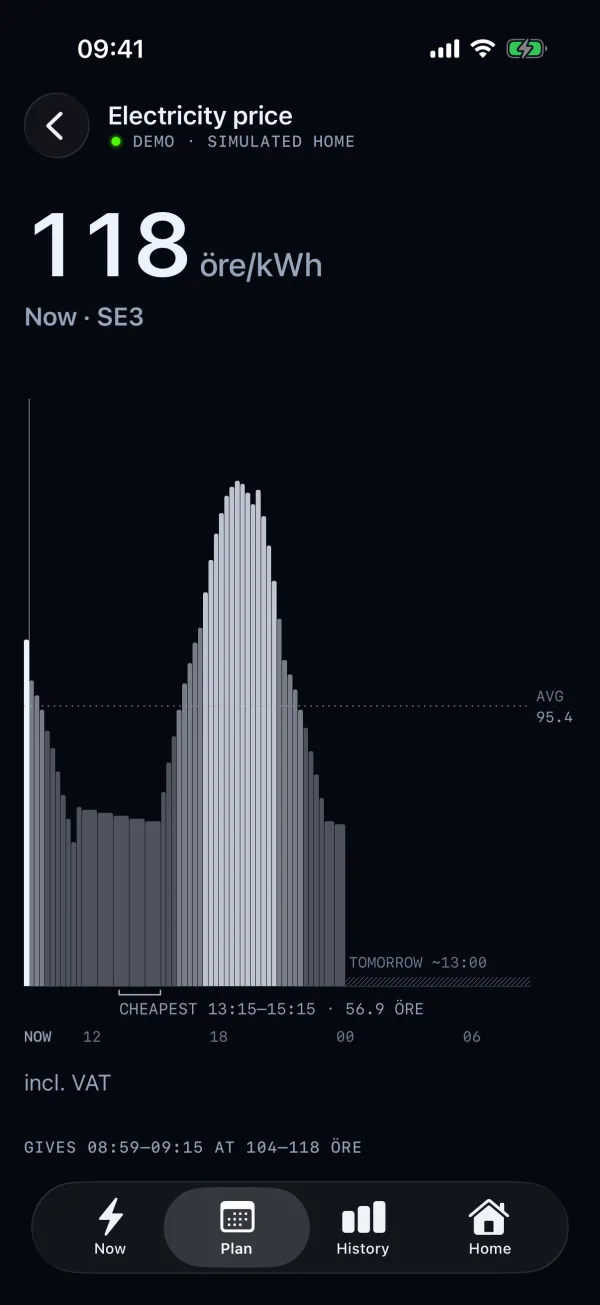
Live energy, car charging and electricity prices. Check the plan, set a charging goal or choose Charge now. Keep prices close with widgets.
Get the iOS beta on TestFlightIncludes a simulated home to explore before you connect a box.
FTW WEBAPP · PHONE + COMPUTER
Live flow, plans, history and access to your box. Install the webapp on your home screen and open it like an app. Pair it with FTW to use your own home's data.
Open the webapp and try the demoThe public demo uses simulated equipment. No box needed.
04 / Planning that stays local
Prices change. The car plugs in. The forecast changes. FTW updates the plan around your goals and the energy available.
Energyplan runs locally. Core checks each proposed plan before it reaches a device. Site limits and fresh meter readings govern control.
Check your equipment in the device catalog05 / Try the beta
Explore a demo, run FTW inside Home Assistant or install it on your own Linux host. Then connect the apps and assistants you want to use.
Already running FTW? Follow the switch or update guide. The retired 2.x and 3.x lines receive no more updates.
Keep a full backup and your old data. On a Raspberry Pi, keep the old SD card and use a second card. Guided transfer of old settings and history is not ready. Stop old Core and its autostart before another Core controls the same equipment. If an install refuses the old layout, follow the guide before trying another path.
Open code · Sourceful maintained
FTW is open-source software. Connect your own software, adapt Lua drivers and contribute a tested fix. Sourceful develops and maintains the project with the community.
FTW code uses AGPLv3 with the Energyplan permission. The separate Energyplan worker is licensed for private household use. Commercial worker use needs a Sourceful license. Licensing · Community and commercial support